Microsoft 365 Copilot

Inject AI into your everyday apps, workflows and tasks to boost productivity and creativity.
Microsoft 365 Copilot

How Can Microsoft 365 Copilot Help You Succeed Today?

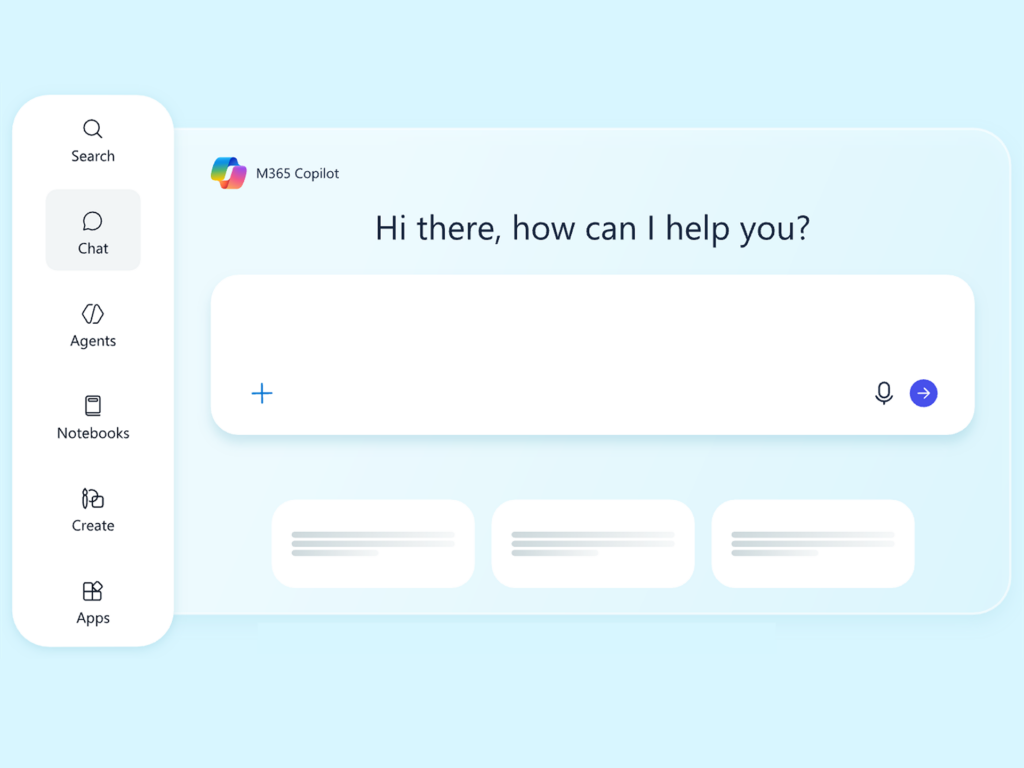
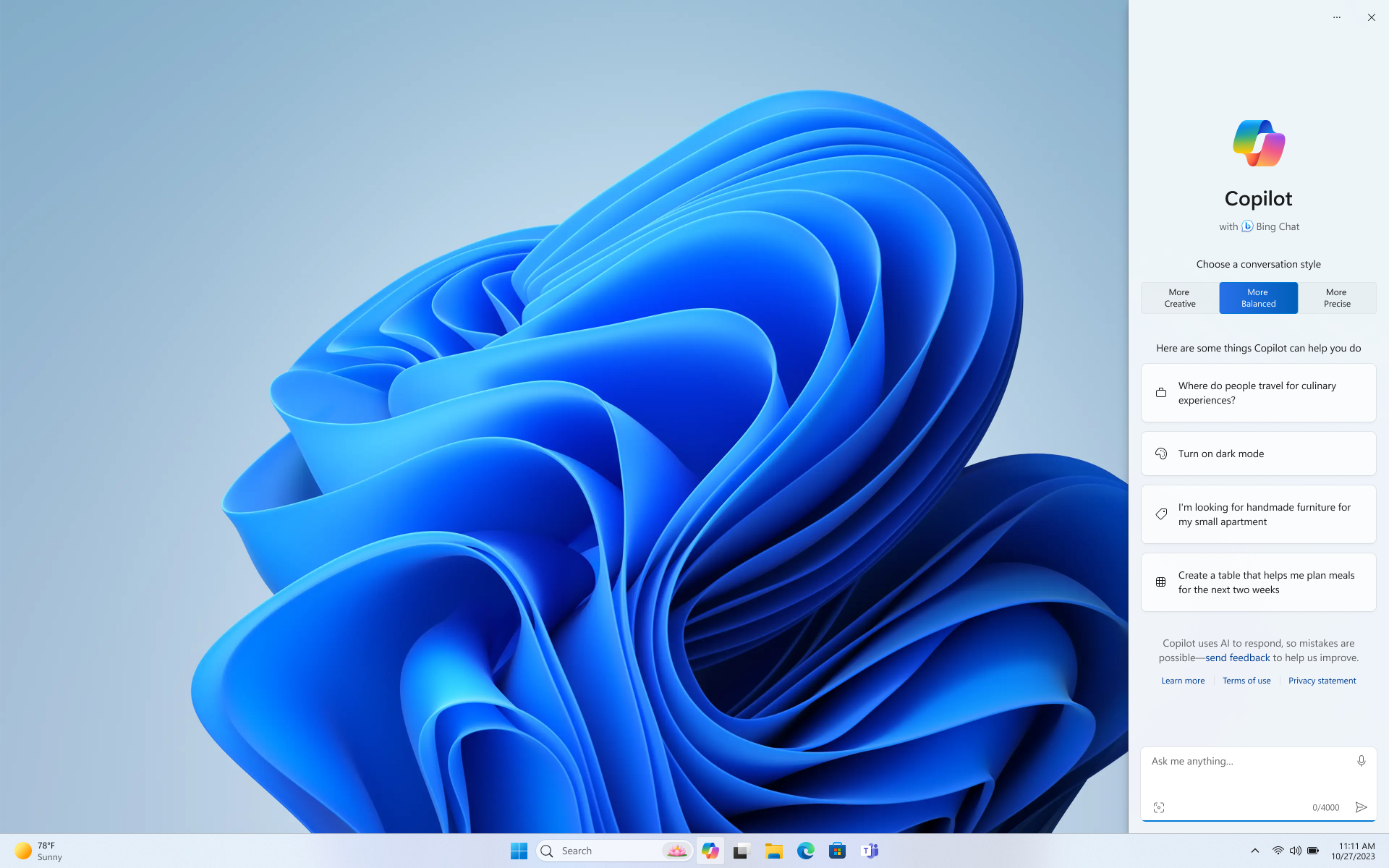
Copilot for Microsoft 365 uses Generative AI and large language models (LLMs) such as Copilot Chat, to securely harness your business data within the natural flow of work, directly inside the Microsoft apps you use every day. It works alongside Word, Excel, PowerPoint, Outlook, Teams, and more. Employees can create Agents on Copilot 365 and boost productivity, spark creativity, improve collaboration, and strengthen skills across the organization.

Microsoft 365 Copilot with the Power of Generative AI

Microsoft 365 Copilot uses advanced AI to boost productivity, automating tasks, generating content, and delivering insights in apps.

Intelligent Content Creation

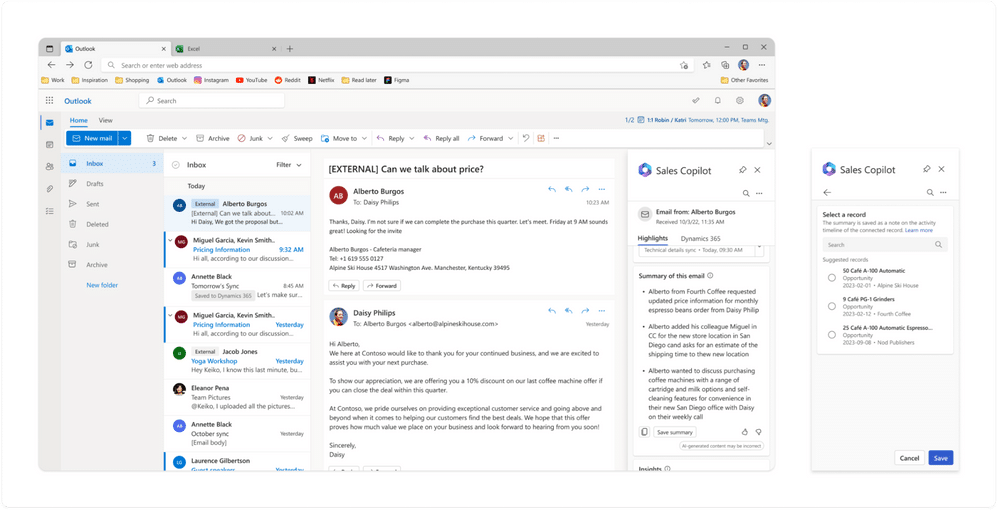
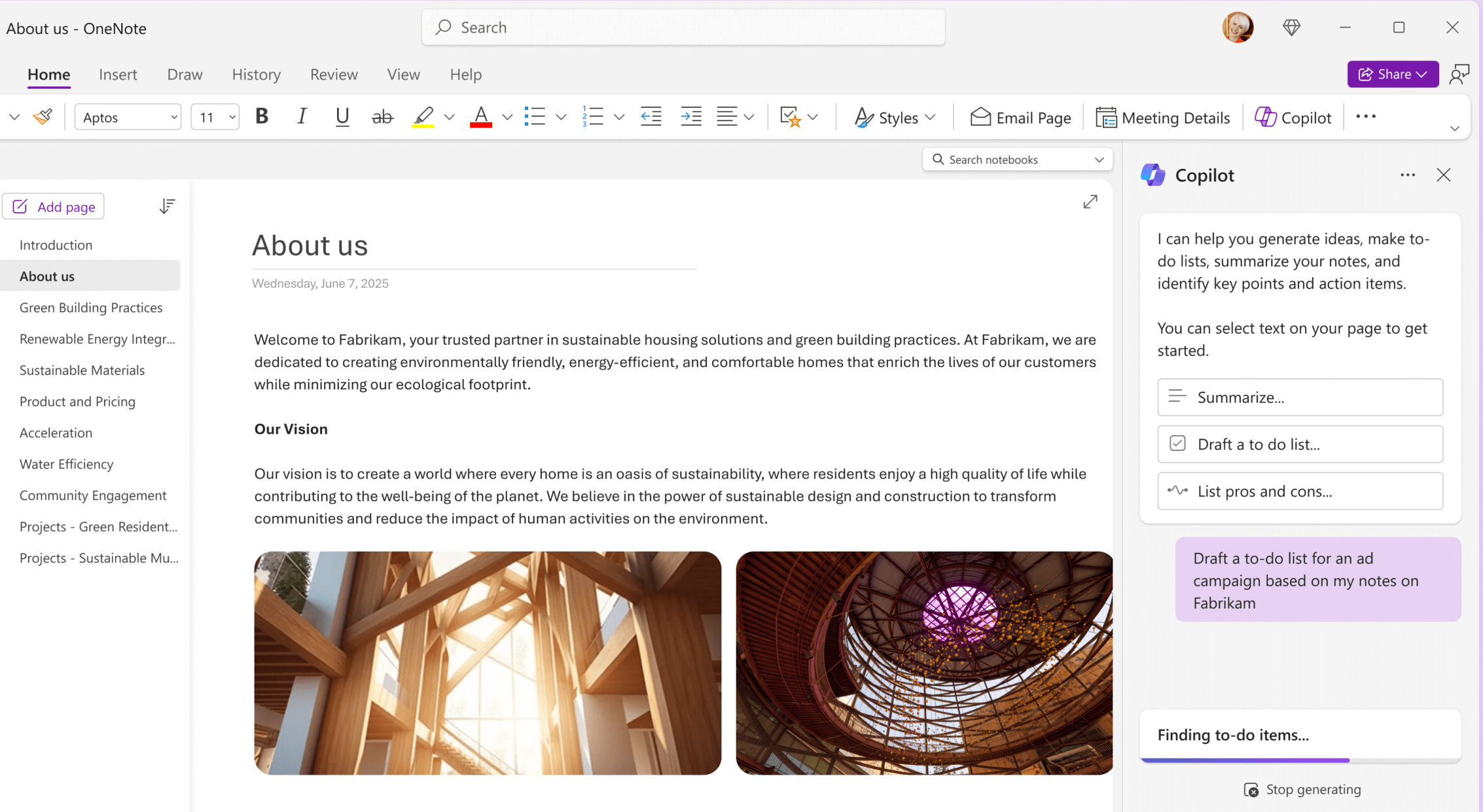
Microsoft 365 Copilot drafts Word documents, PowerPoint presentations, and Outlook emails using contextual information from your files, helping you create tailored content faster than ever.

Data-Driven Insights

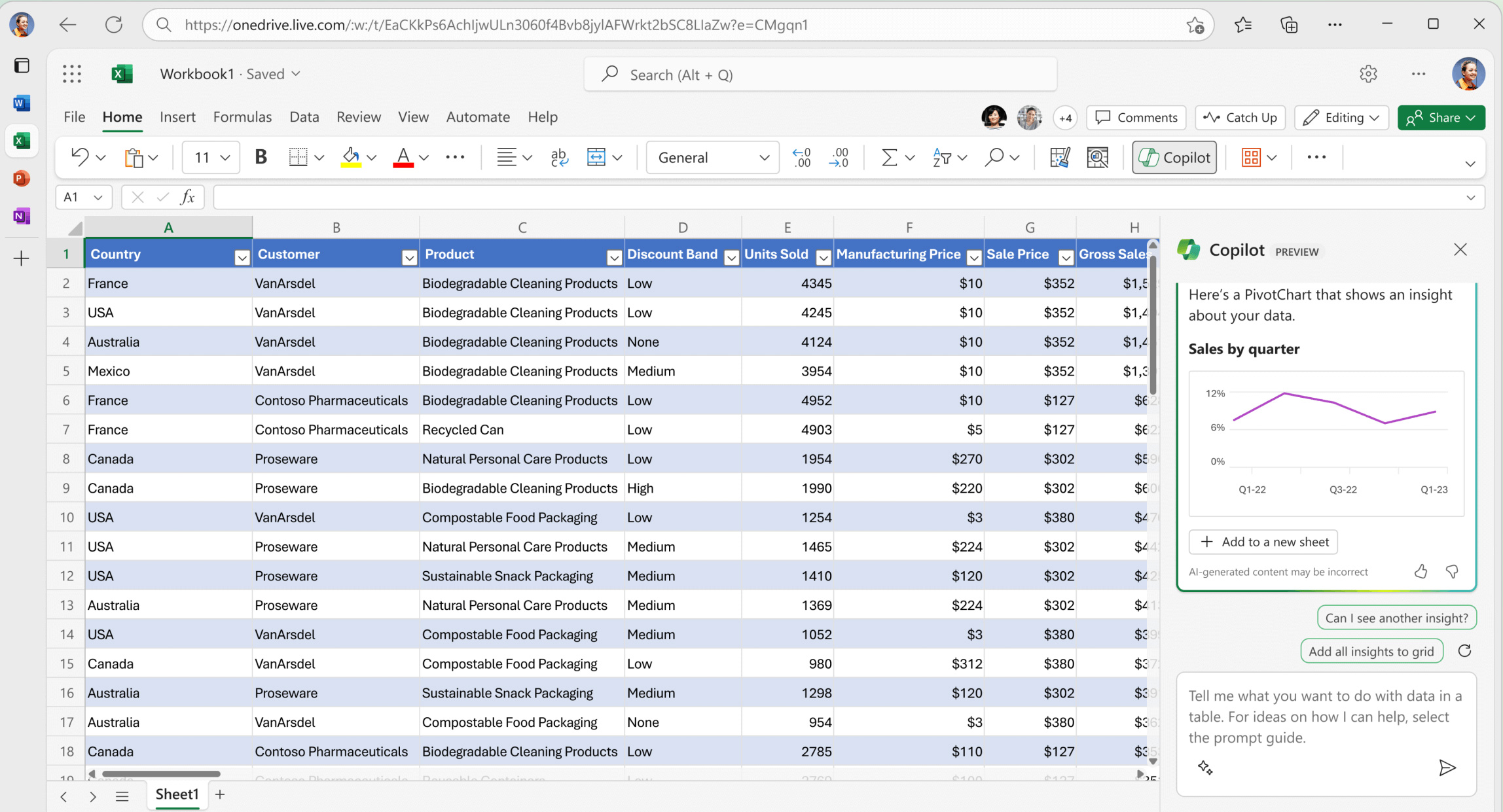
Microsoft 365 Copilot analyzes Excel datasets in seconds, identifies trends and anomalies, suggests formulas, and explains results in clear, simple language — helping you make faster, smarter decisions.

Meeting & Collaboration Optimization

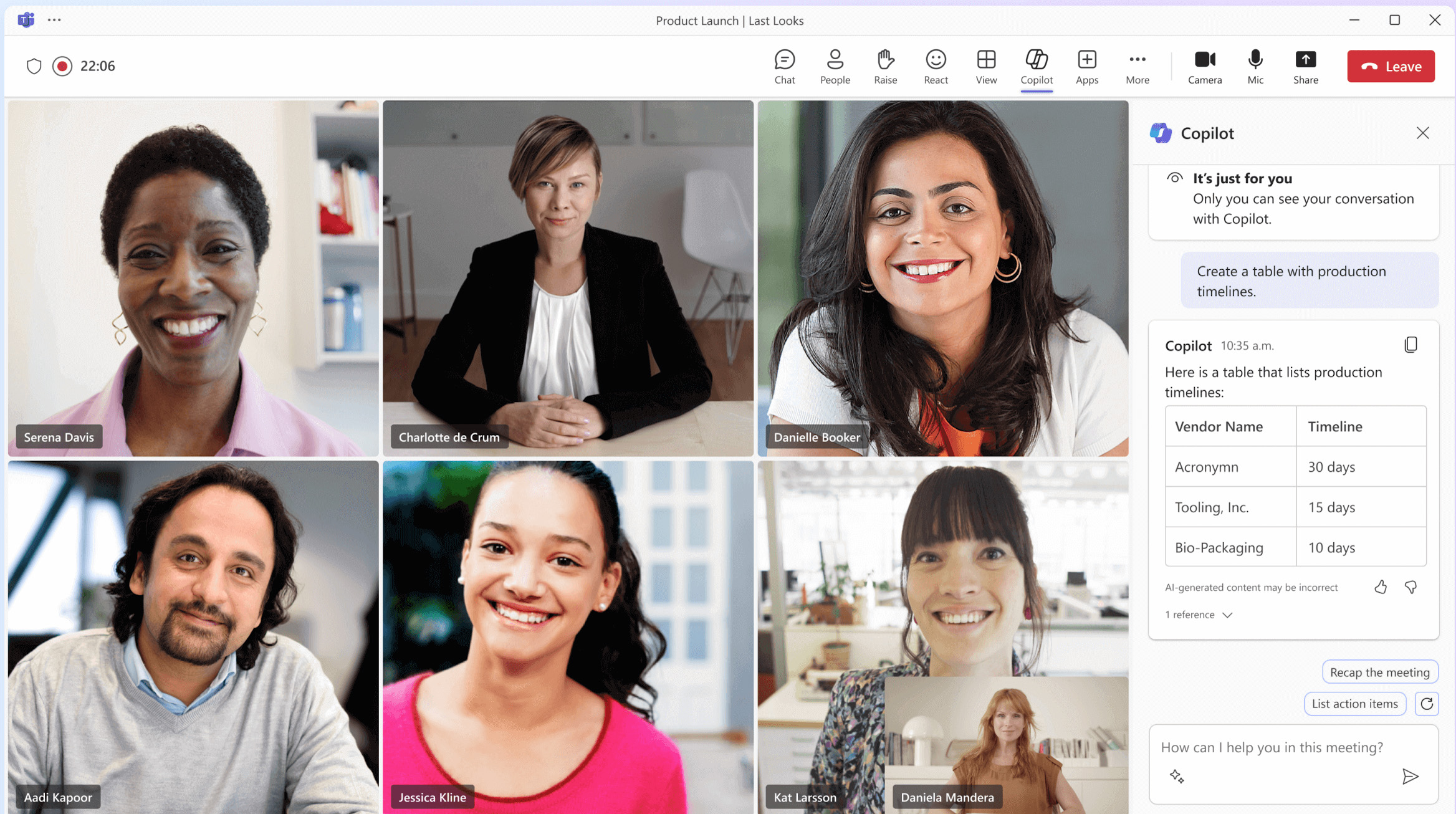
Microsoft 365 Copilot enhances Teams meetings with real-time summaries, action items, and key highlights — helping teams track decisions, stay aligned, and follow up faster and more effectively.

Workflow Automation

Copilot streamlines tasks across Microsoft 365 by drafting reports, compiling updates, organizing information, and automating routine work

Contextual Recommendations

Copilot delivers personalized suggestions based on your work patterns, documents, and chats, helping prioritize tasks and improve outputs.

Microsoft 365 Copilot with the Power of Generative AI

Ready to Elevate Your Content Creation with Microsoft 365 Copilot?

Prodware empowers your organization to deploy secure, scalable, and high-impact AI solutions with Microsoft 365 Copilot—accelerating content creation, streamlining collaboration, and driving user adoption.

Benefits of Microsoft 365 Copilot

Stay Informed

Catch up faster with easy-to-digest summaries of projects, people, meetings, and more — so you can quickly stay informed and focus on what matters most.

Collaborate Seamlessly

Collaborate on ideas and content in Microsoft 365 Copilot using your instructions and reference files via agents for more contextual teamwork.

Discover Information Effortlessly

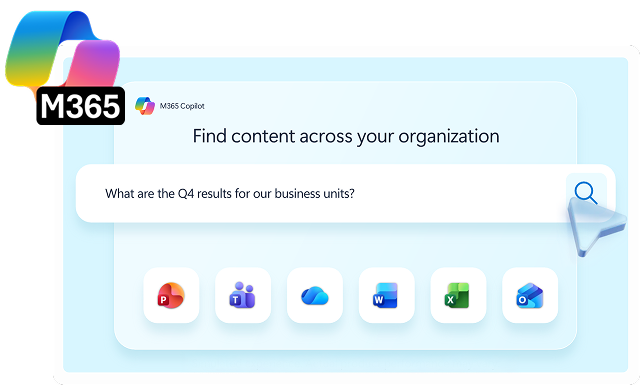
Find information across files, meetings, chats, emails, the web, and your business data.

Our Microsoft 365 Copilot Expertise

AI-Powered Content Generation

Generates, rewrites, summarizes, and refines content directly within Word, Excel, PowerPoint, Outlook, and Teams using organizational data and Microsoft Graph context.

Smart Workplace

Copilot 365 Notebooks provide context-aware workspaces where you gather project materials and ask Copilot questions or generate content grounded in them.

Intelligent Data Analysis

Analyzes spreadsheets, identifies trends, builds formulas, creates visualizations, and explains insights in natural language within Excel. 

Smart Email Assistance

Drafts responses, summarizes long threads, adjusts tone, and extracts key action items directly in Outlook.

Automated Document Creation

Creates structured documents and presentations from prompts or existing files, including outlines, speaker notes, and formatted slides. 

Meeting Intelligence

Summarizes Teams meetings, captures decisions, tracks action items, and answers questions based on meeting transcripts.

Enterprise Knowledge Retrieval

Surfaces relevant information across emails, files, chats, and calendars using contextual search powered by Microsoft Graph.

Workflow & Task Support

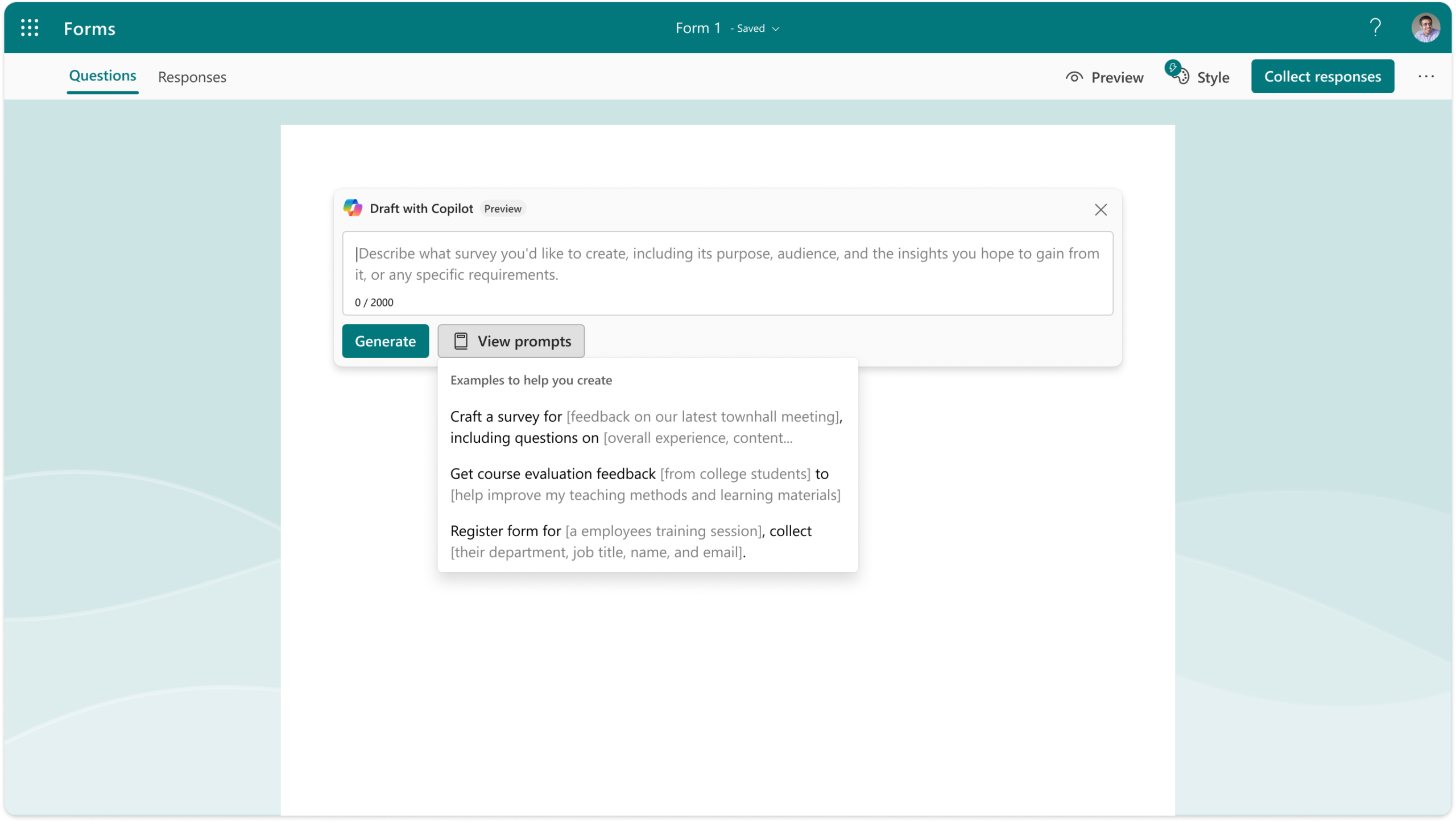
Transforms natural language prompts into task lists, project plans, tables, and structured outputs across Microsoft 365 apps.

Frontier Program

Pre-Built Agents for frontier workers provide them with ready-to-use AI tools for smarter, faster workflows.

Industries Where we Deliver Excellence

  • Reporting & Compliance: Automate financial reporting, risk assessments, and regulatory documentation. 
  • Customer Engagement: Personalize communications and generate insights from large datasets to improve client interactions. 
Financial Services
  • Operations & Supply Chain: Optimize production schedules, track inventory, and automate routine operational reports. 
  • Product Development: Support collaborative design and documentation across global teams. 
Manufacturing
  • Customer Insights & Marketing: Analyze sales trends, personalize campaigns, and generate product descriptions at scale. 
  • Inventory Management: Automate stock tracking, reorder planning, and operational reporting. 
Retail & E-commerce
  • Document Drafting & Review: Automate contract generation, summarize case files, and support compliance workflows. 
  • Client Collaboration: Enhance research, presentation preparation, and client communication with AI assistance. 
Legal & Professional Services
  • Patient Care & Administration: Streamline clinical documentation, automate scheduling, and generate patient summaries to enhance efficiency and accuracy. 
  • Research & Collaboration: Accelerate research workflows with research agents on Copilot 365, AI-assisted data analysis and collaborative reporting. 
Healthcare
  • Teaching & Learning: Generate lesson plans, summarize learning materials, and support personalized student feedback. 
  • Administrative Efficiency: Streamline reporting, scheduling, and institutional communications. 
Education

FAQ

Microsoft 365 Copilot is an AI assistant embedded in Microsoft 365 apps (Word, Excel, PowerPoint, Outlook, Teams, etc.). It uses large language models and your organization’s content (with your existing permissions) to help draft, summarize, analyze, and automate work.

Copilot works across core Microsoft 365 apps such as Word, Excel, PowerPoint, Outlook, and Teams. Capabilities vary by app—ranging from content drafting and rewriting to data analysis, meeting summaries, and action-item extraction.

No. Copilot follows Microsoft 365 identity, security, and compliance controls, and only accesses content you’re permitted to use—making strong permissions and governance critical to a successful rollout.

Copilot combines your prompt with relevant context from your Microsoft 365 content (for example, documents, emails, chats, and meeting transcripts you can access) to generate an output. Clear, specific prompts typically produce better results.

Typical use cases include drafting and summarizing documents, analyzing data and creating insights in Excel, generating presentations from outlines, summarizing email threads, and capturing meeting recaps and action items in Teams.

A successful Copilot rollout typically includes readiness assessment, identity and access review, data security and compliance configuration, user enablement, and change management. We help define guardrails and adoption plans that align with your risk posture and business goals.

Timelines depend on your current Microsoft 365 security posture, data governance maturity, and rollout scope. Many organizations start with a pilot for priority teams, then scale once governance, training, and success metrics are validated.

We support you end-to-end—from readiness and governance to technical deployment, pilot execution, user training, and adoption measurement—so your teams can realize value quickly and sustainably.

Why Prodware?

As leaders in digital transformation, our approach as a trusted advisor for our clients helps you match disruptive technologies with business realities, to meet your challenges.
We support you in scoping and implementing innovative apps such as Microsoft Copilots with our tailored services to match your needs and level of maturity in leveraging Artificial Intelligence to boost productivity, empower your employees and delight your customers. Our expertise in AI development also means we help in the creation of Custom Copilots to answer your needs with competitive advantage and innovation in mind.

Have a project? Let's talk!

Tell us about your project and we’ll show you how Prodware can transform your business.

* Please select one of these options: